One card.
Every pass.
The passes your bus company, school or employer gives you, on one Ta'ab Card or one code in the Ta'ab app. No bank account needed.
Bought a Ta'ab Card at a counter? It works already. Enter the code on its slip to keep it and its passes in your own wallet.
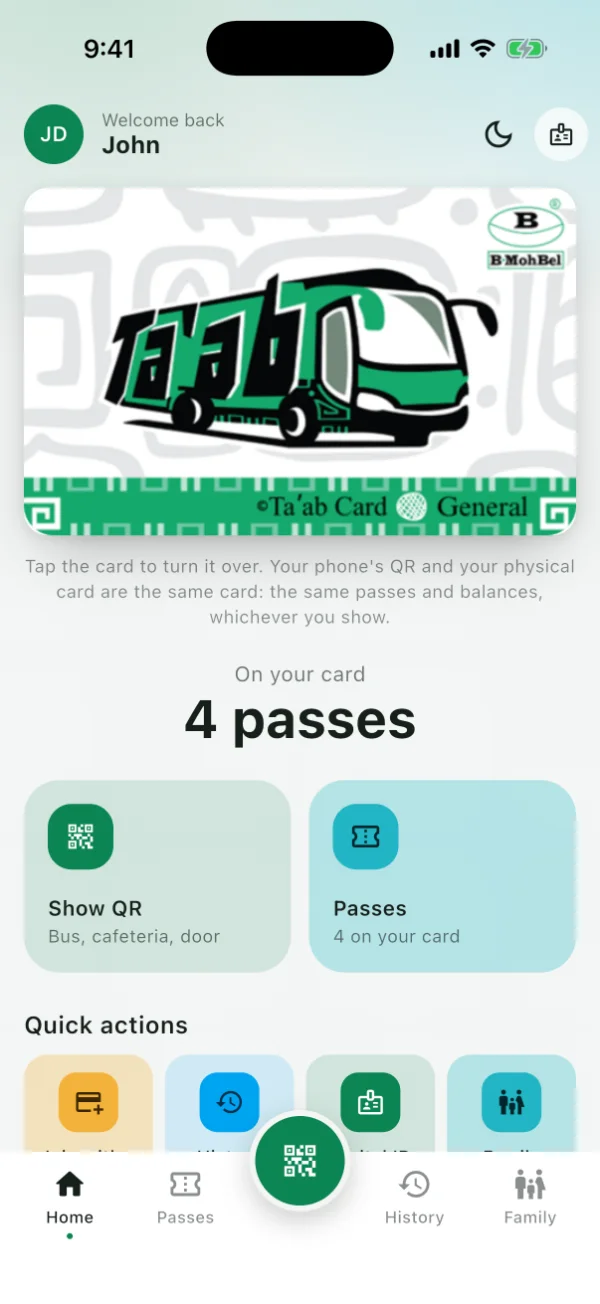
Tap the card to turn it over
How it works
Six screens of the Ta'ab app, as John Doe sees them.
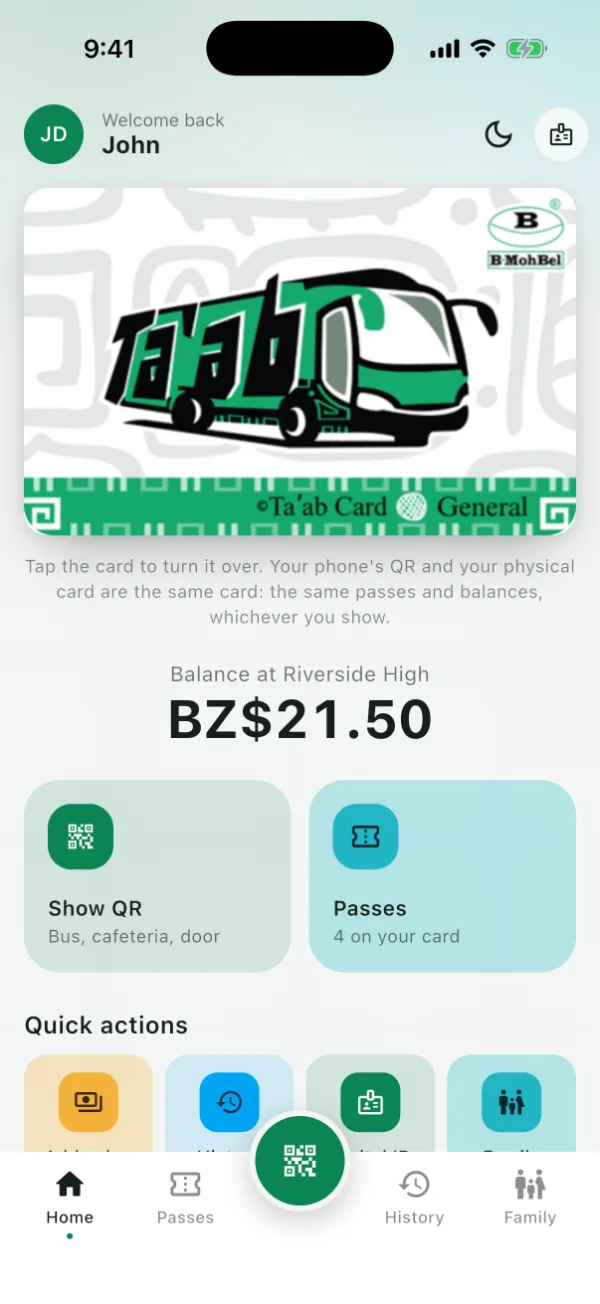
1 · Your card
One card, or one code on your phone
Your Ta'ab Card and the Ta'ab app are the same card: the same passes, whichever you show. No bank account needed.
2 · Your passes
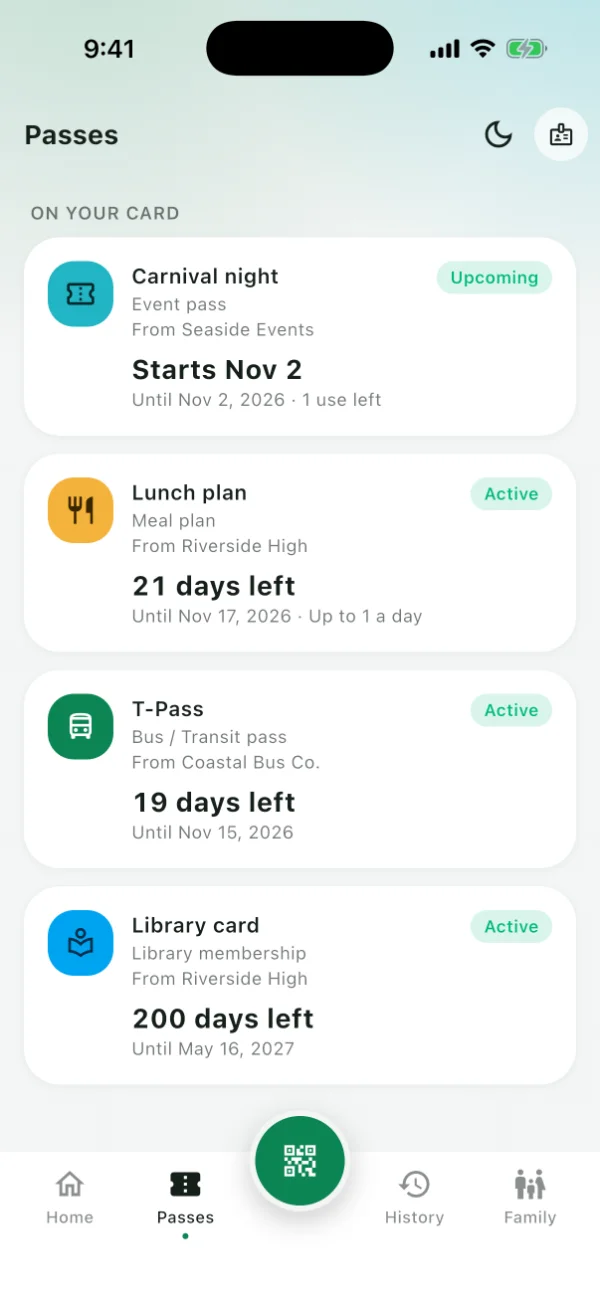
The places you go put your passes on it
A bus pass from the bus company, a lunch plan and a library card from school, a ticket from a venue. Each one says who it is from and how long it lasts.
3 · At the door
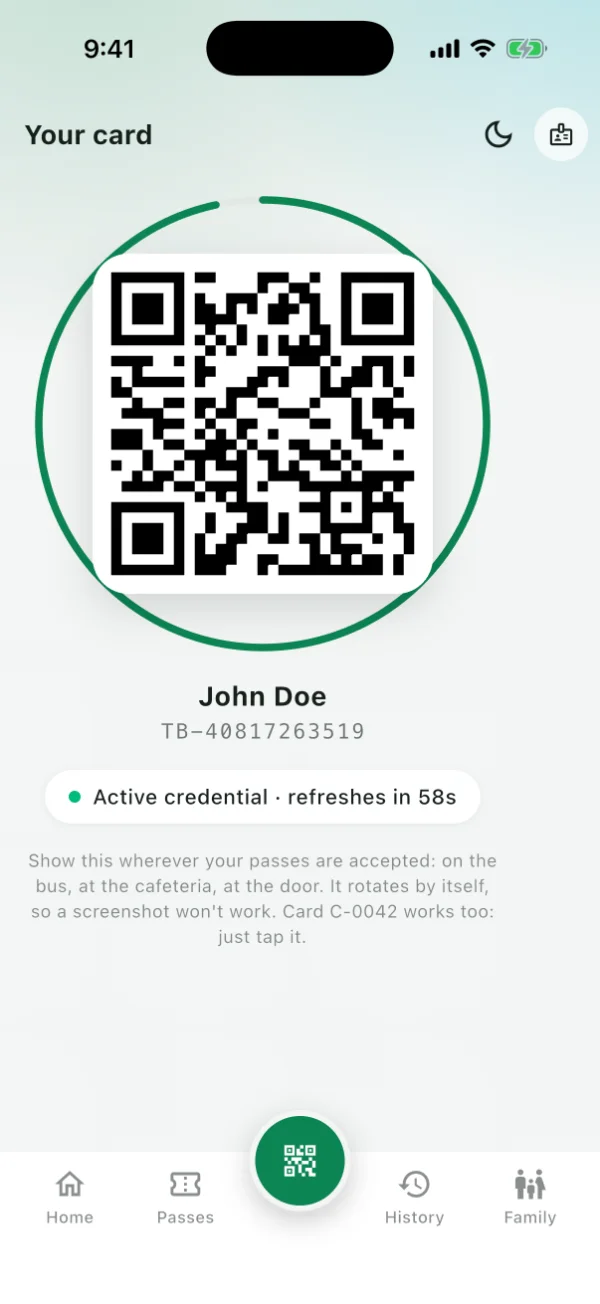
Tap the card, or show the code
The code changes every minute, so a screenshot of it is no use to anyone. No signal? The app keeps a code for the day.
4 · History
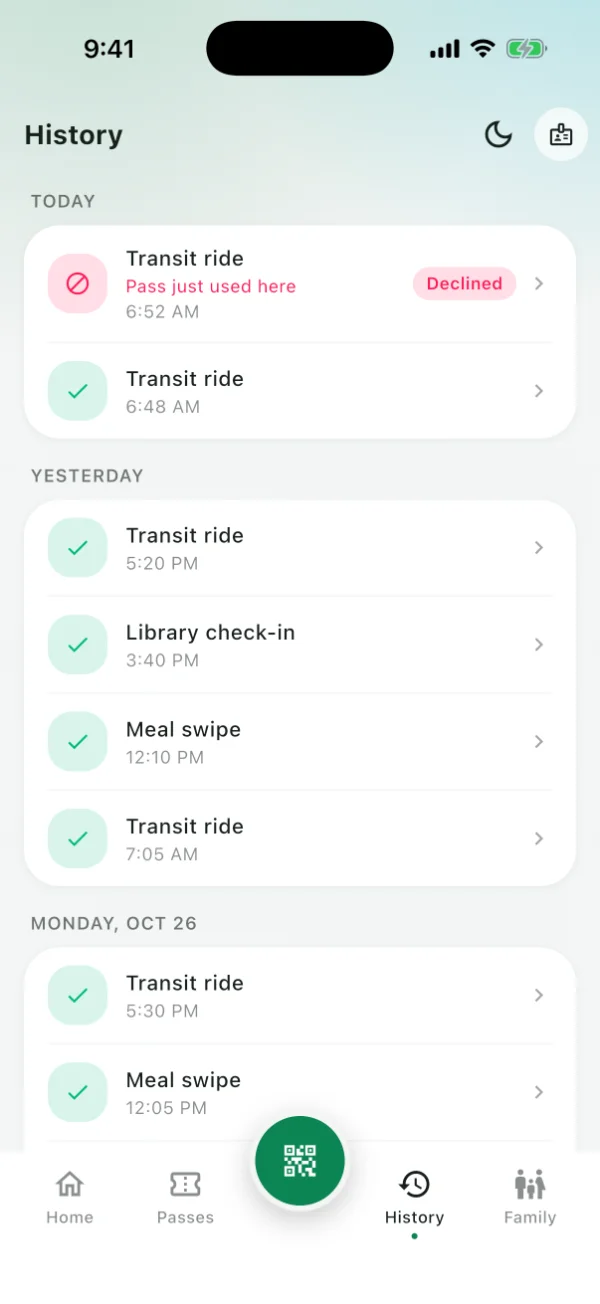
Every tap, by day
Every ride, lunch and visit is listed, and so is every tap that was turned down, with the reason.
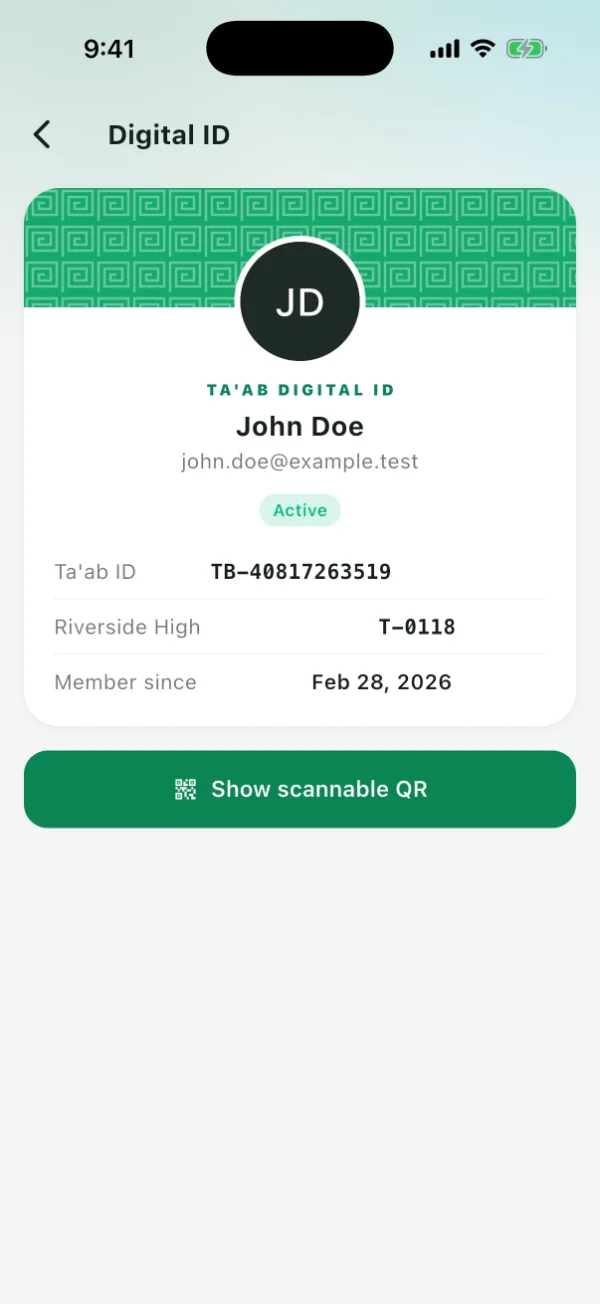
5 · Your ID
One Ta'ab ID wherever you go
Your Ta'ab ID, and your number at your school or work, ready to show.
6 · Family
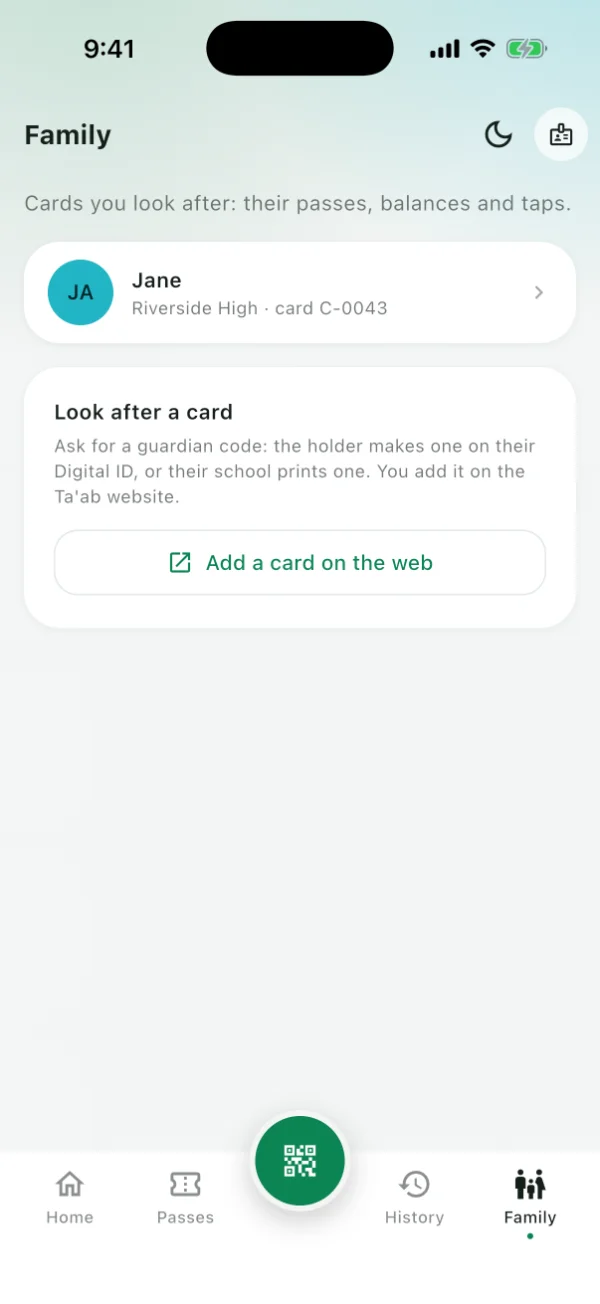
Look after your children's cards
See the passes on your child's card and every time it was used, from your own phone.
A balance for the cafeteria
Keep a balance at your school's cafeteria, added in cash by its cashier, and buy passes from it in the app. Parents will see it and set a daily limit.
Ta'ab never takes card payments: a balance is added at the counter, and spent where it was added.
Run a bus company, a school or a venue?
You decide what each pass is and what it costs, sell it the way you already take payment, and keep the money. Ta'ab says yes or no at your door, and keeps the record.
For bus companies
- Riders carry a Ta'ab Card bought at your counter, or the code in the Ta'ab app.
- Sell a ticket for one trip, or a pass for a month. The T-Pass is one monthly pass for every bus company that takes it.
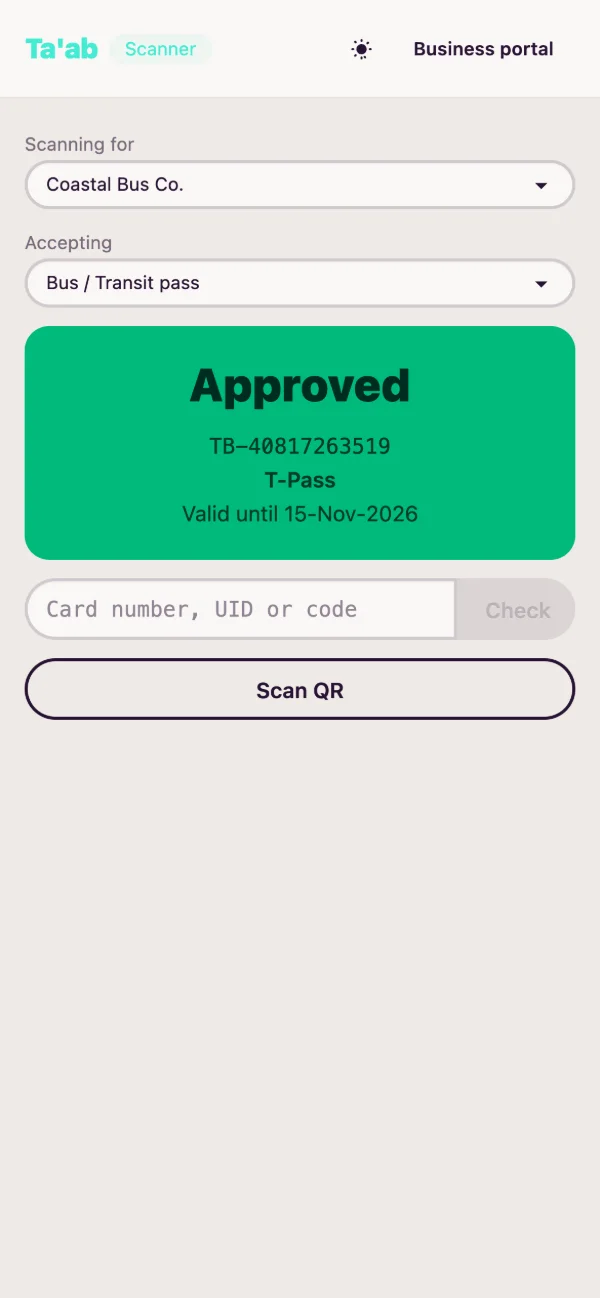
- The conductor taps the card or scans the code. An unlimited pass is turned down a second time within 10 minutes, so one card can't carry two people.
For schools
- A Ta'ab Card is the student ID; students with a phone can use the app instead.
- Import your class list. Each student gets a code to claim their wallet, or a card.
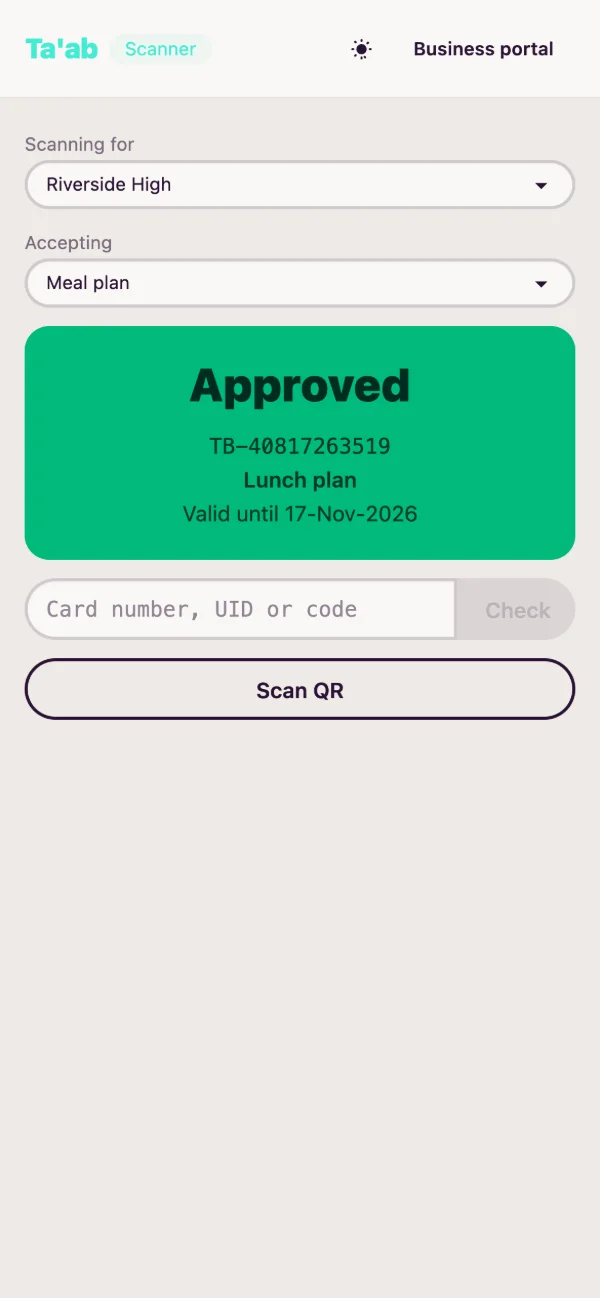
- Give meal plans, the school bus, library cards and attendance. Staff scan with a phone, and a plan can allow one lunch a day.
For employers
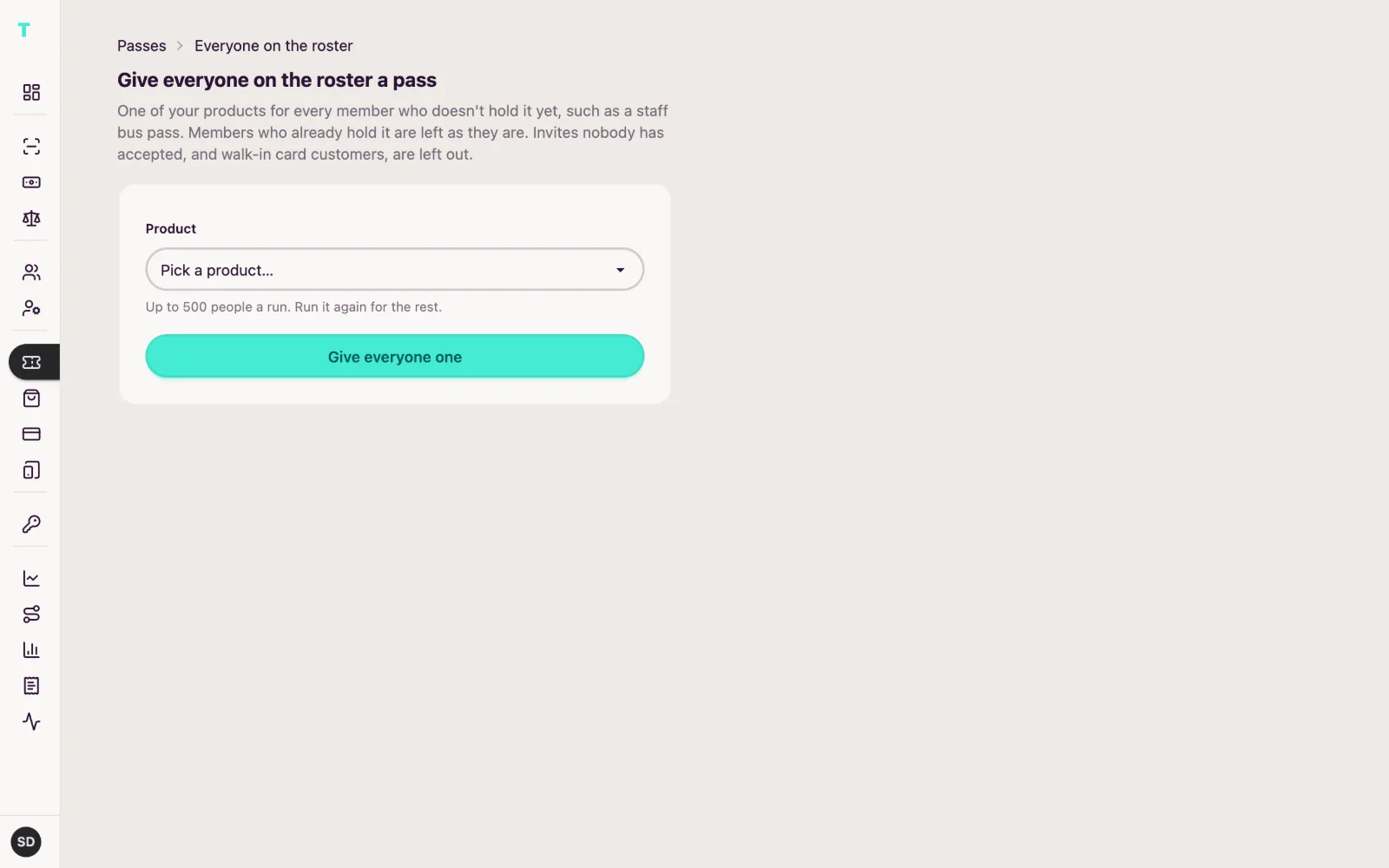
- Give your whole staff a bus pass in one go, honoured by the bus companies you agree with.
- Pay the operators from the usage report: who rode, with whom, and when.
- The same Ta'ab Card or app code is your staff ID.
For venues and events
- Sell tickets and memberships your way, and keep the money.
- Put them in the holder's Ta'ab wallet from your own system, through the API.
- Scan at the door with any phone.
Plug it into your business
Start from the portal and a phone. Connect your own system when you are ready.
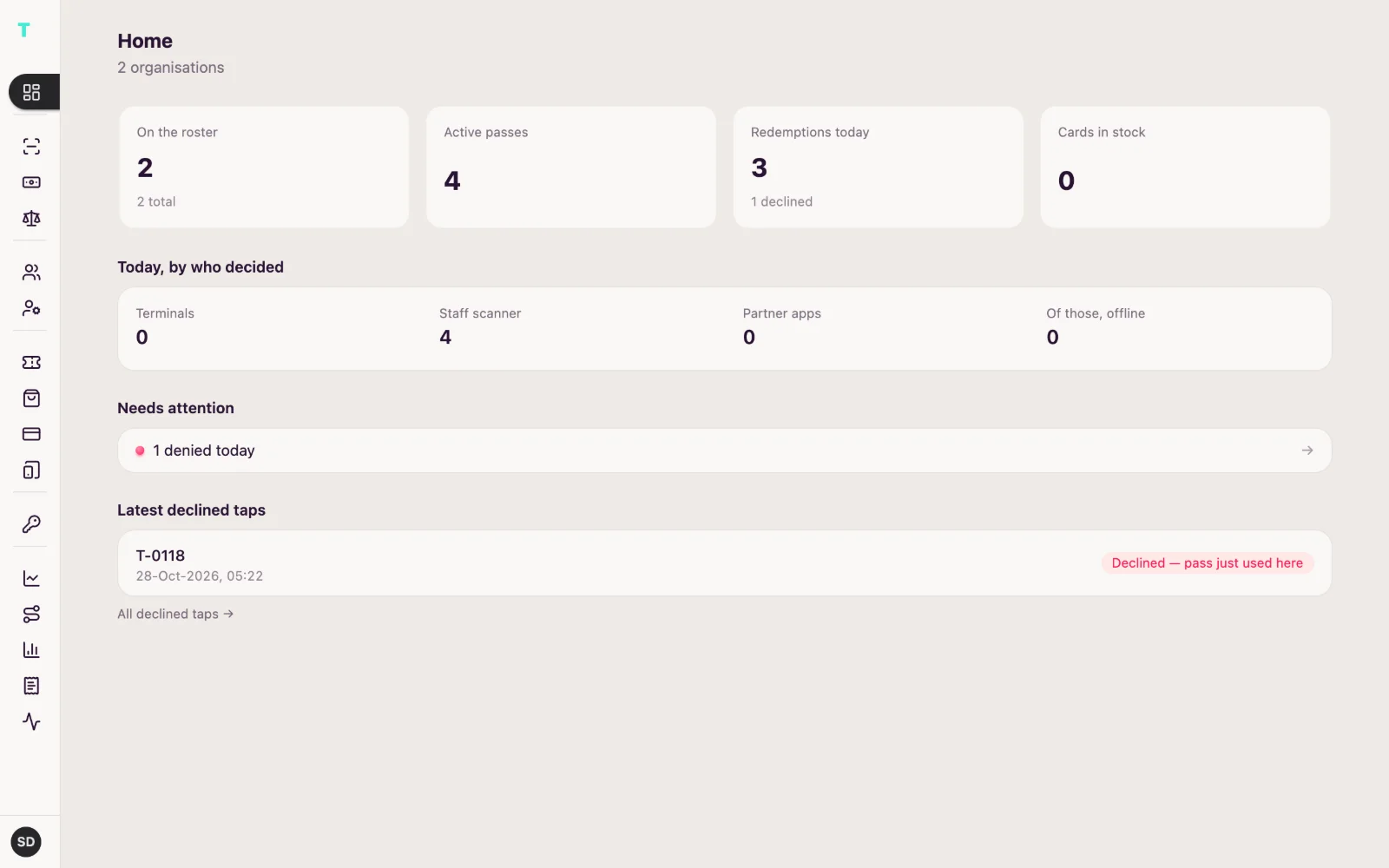
The Business portal
Your roster, your passes, your cards, and reports of every use to download.
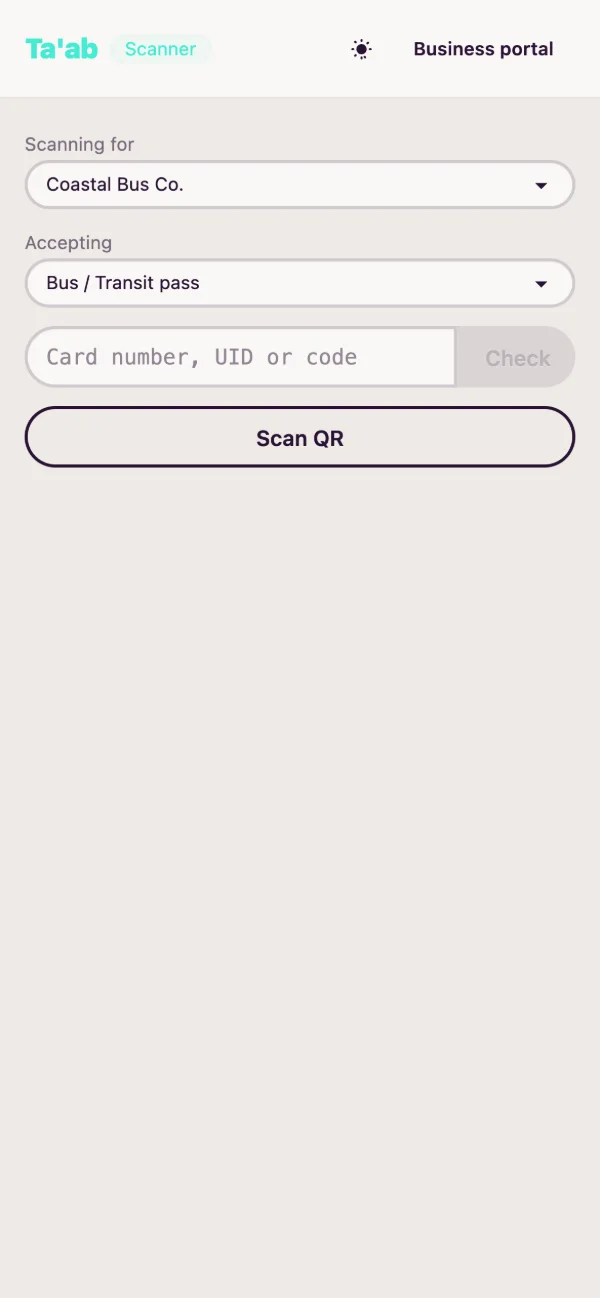
Any phone at the door
Scan the app's code with any camera, or tap cards on an Android phone with NFC. No special hardware.
From your own system
Issue, check and redeem passes through the partner API. A sold ticket lands in the holder's wallet.
POST /api/partner/v1/passes{ "taabId": "TB-40817263519", "externalRef": "CARN-0192", "type": "event", "validFrom": "2026-11-02T19:00-06:00", "validUntil": "2026-11-03T03:00-06:00", "metadata": { "label": "Carnival night" } }In John's wallet: Carnival nightThe sandbox lets you in at once, with test accounts and test cards. How Ta'ab works for organisations
Safe by design
The code changes every minute
A screenshot of your QR is no use a minute later.
Lost card? It stops at once
Report it where you got it and it stops working everywhere.
Each place sees only its own
Your school sees what it gave you, the bus company your rides with it. Neither sees the other.
The Ta'ab app is on its way to the stores
Until then, your wallet is on the web, on any phone.